Starting a Round
Your rounds are configured in the settings section, this is where you add your time boundaries for each round you have in your care home. Once a round has been set up, HxCare will use that information to generate rounds at either the Area level, or Floor level of your care home configuration, depending on how you have set it up.
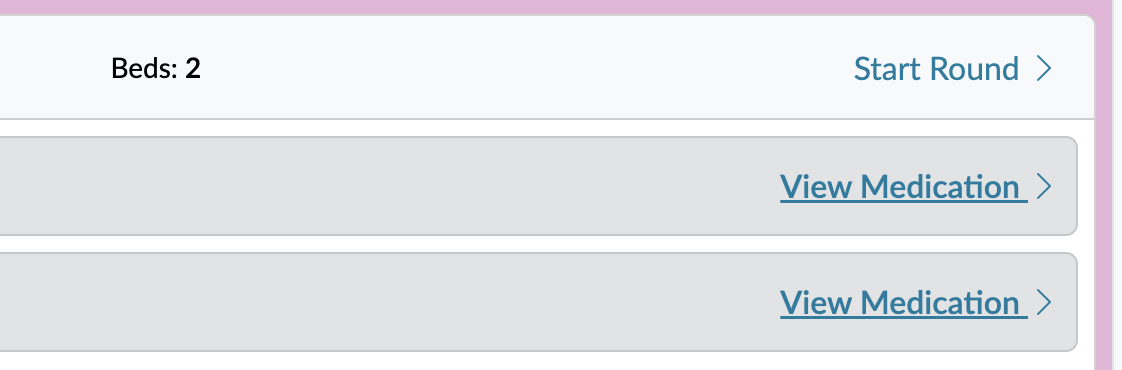
To start a round, it's a simple case of selecting the correct round, and clicking the 'Start Round' option.
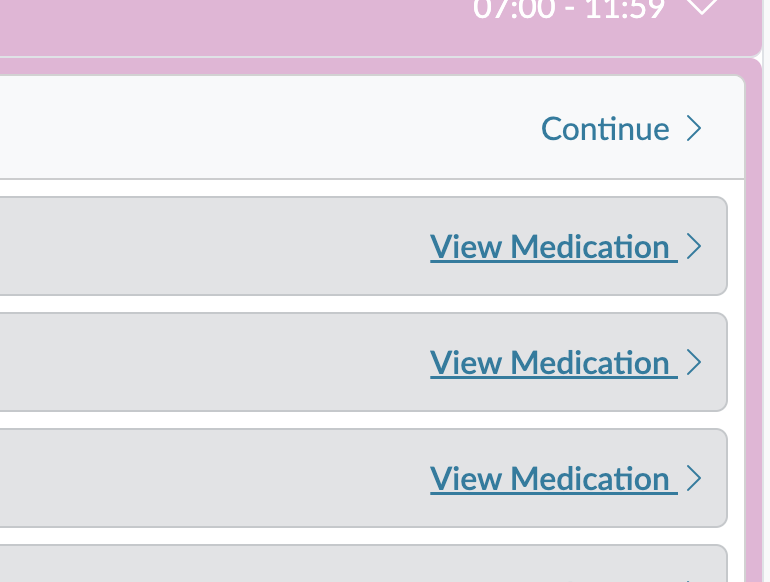
Only one person can own and carry out a round. You can hand off a round to someone else if you need to, then they will be responsible for carrying out the rest of the round. To do this, you simple pause the round. Once a round has been paused, another member of staff can continue the round and take control of it.