Viewing Medication Administration Details From The MAR Chart
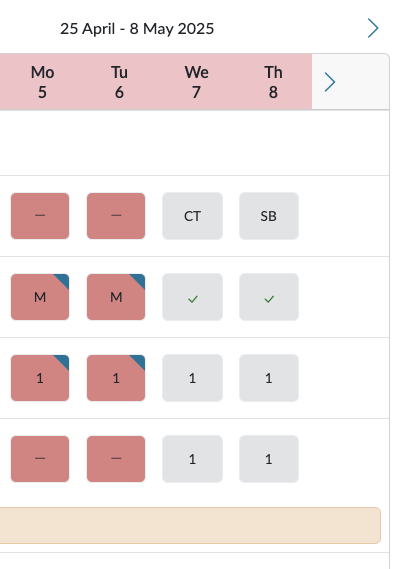
When you are viewing the MAR chart in HxCare, you can click on any of the historic cells and see the details of that medication.
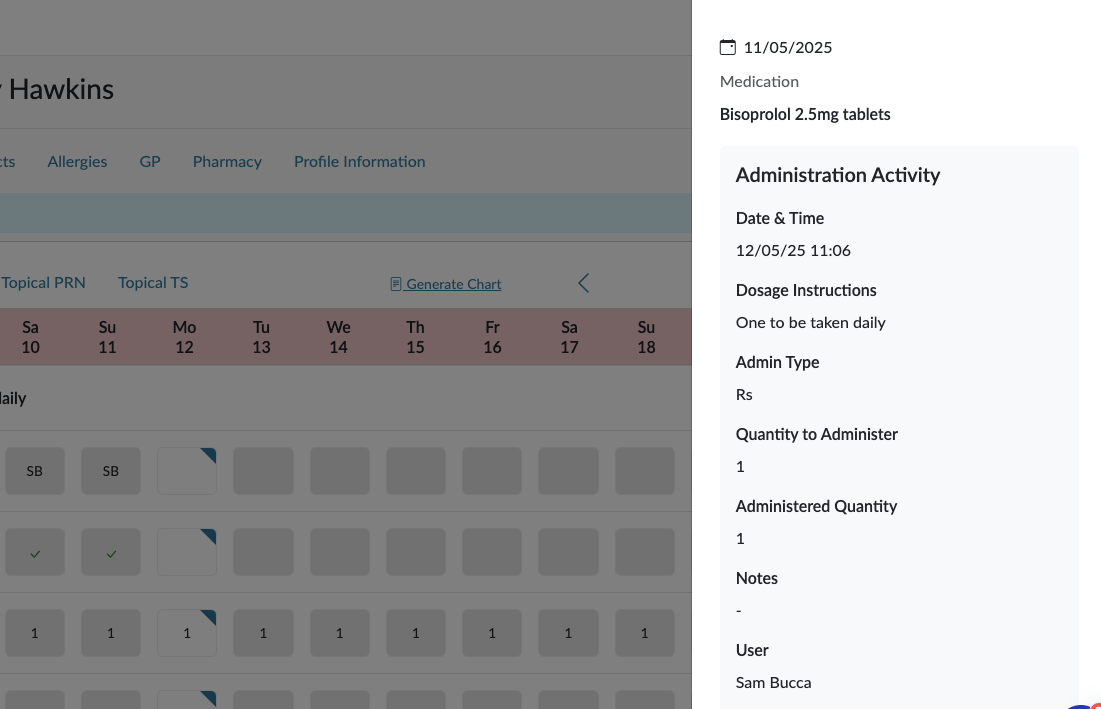
You will see what the medication was, when it should have been taken, how much should have been taken and then when it actually was taken and how much was taken. You'll see who administered it and whether there were any notes. This gives you a clear record of all historic medications, whether it was a successful administration, a non-administration or a missed medication.
When a medication has been marked as missed, you will be able to click on that cell and add any administration information that you might need to if, for whatever reason, you couldn't log it correctly at the time.