Staff PIN Setup
Once the staff members have been set up with access to HxCare, they will be able to log in and create their PIN which is used for when they witness an action that requires that extra level of security.
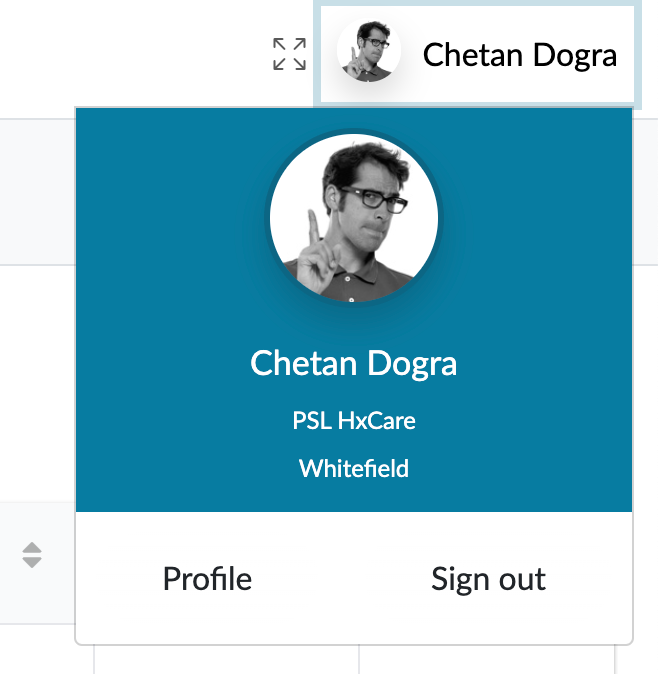
You access the PIN management screen from your profile which you can get to at the top right of the screen. Click on your name and then select profile.
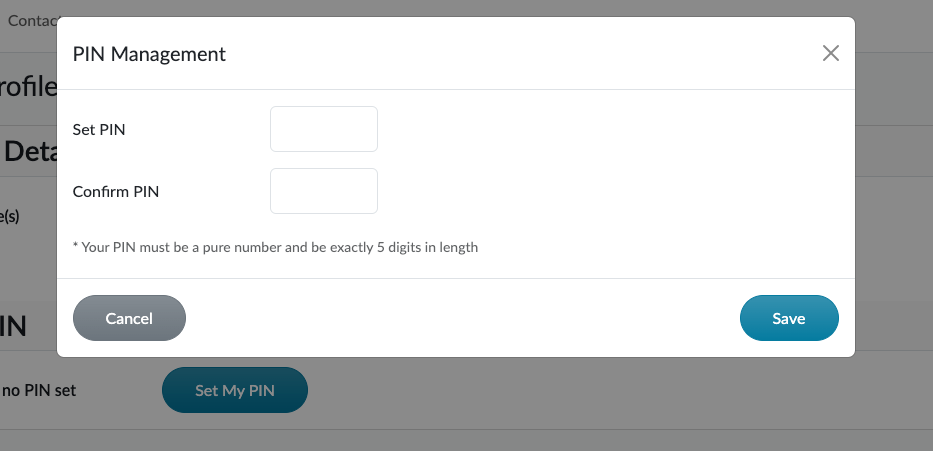
You can set your PIN number, which needs to be a 5 digit number. For security reasons, you must keep to yourself and not share with anyone else. You will never be able to view your PIN number, so if you forget it, you’ll need to set a new one which you can do via this screen: