Returns
If you need to send stock back to the pharmacy, you can create a Return. When a return is initially created it will be 'Pending'. This means the stock is still within the care home and it allows you to set the stock aside and have the return ready before it is collected by the pharmacy.
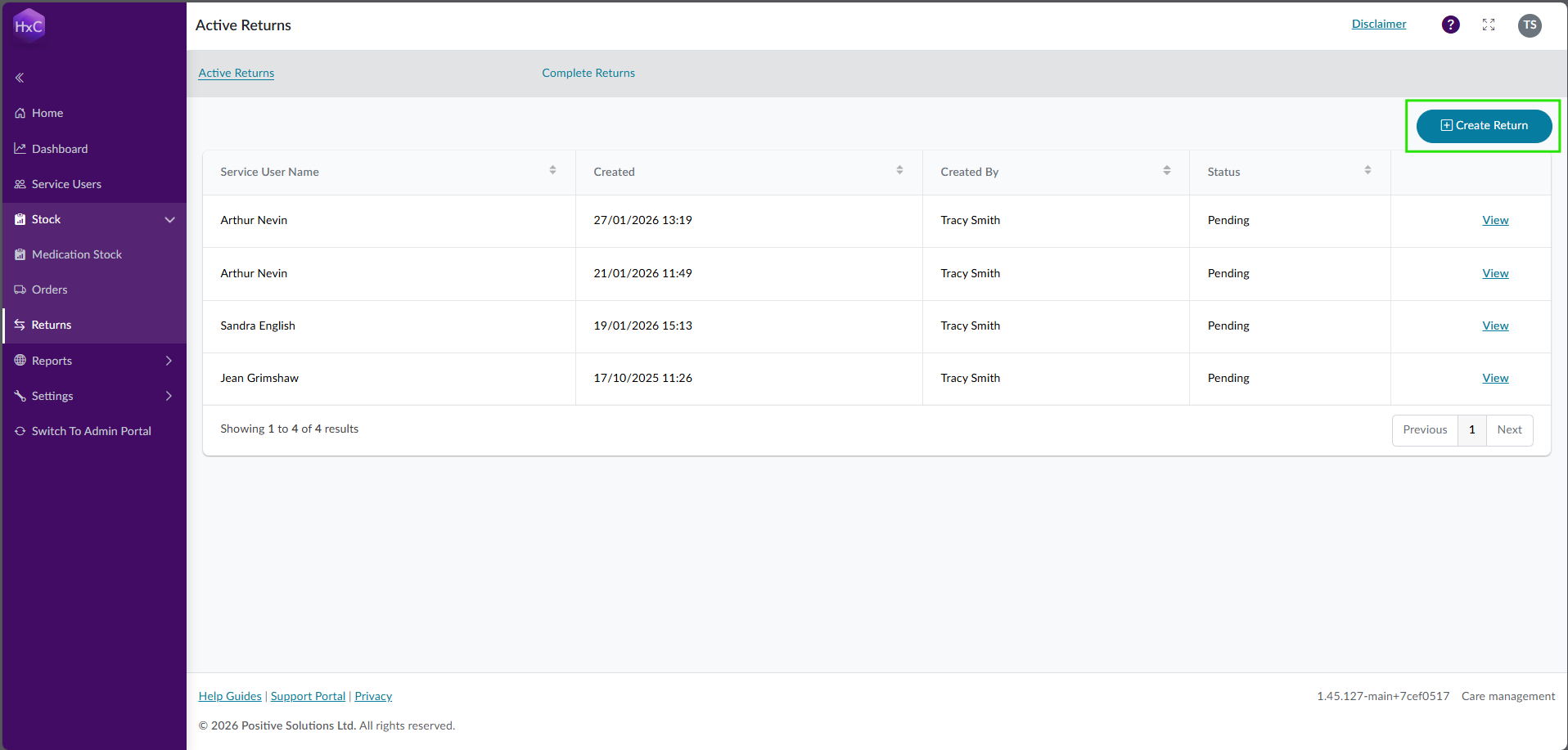
To create a pending return, select the Create Return button from the Returns page.
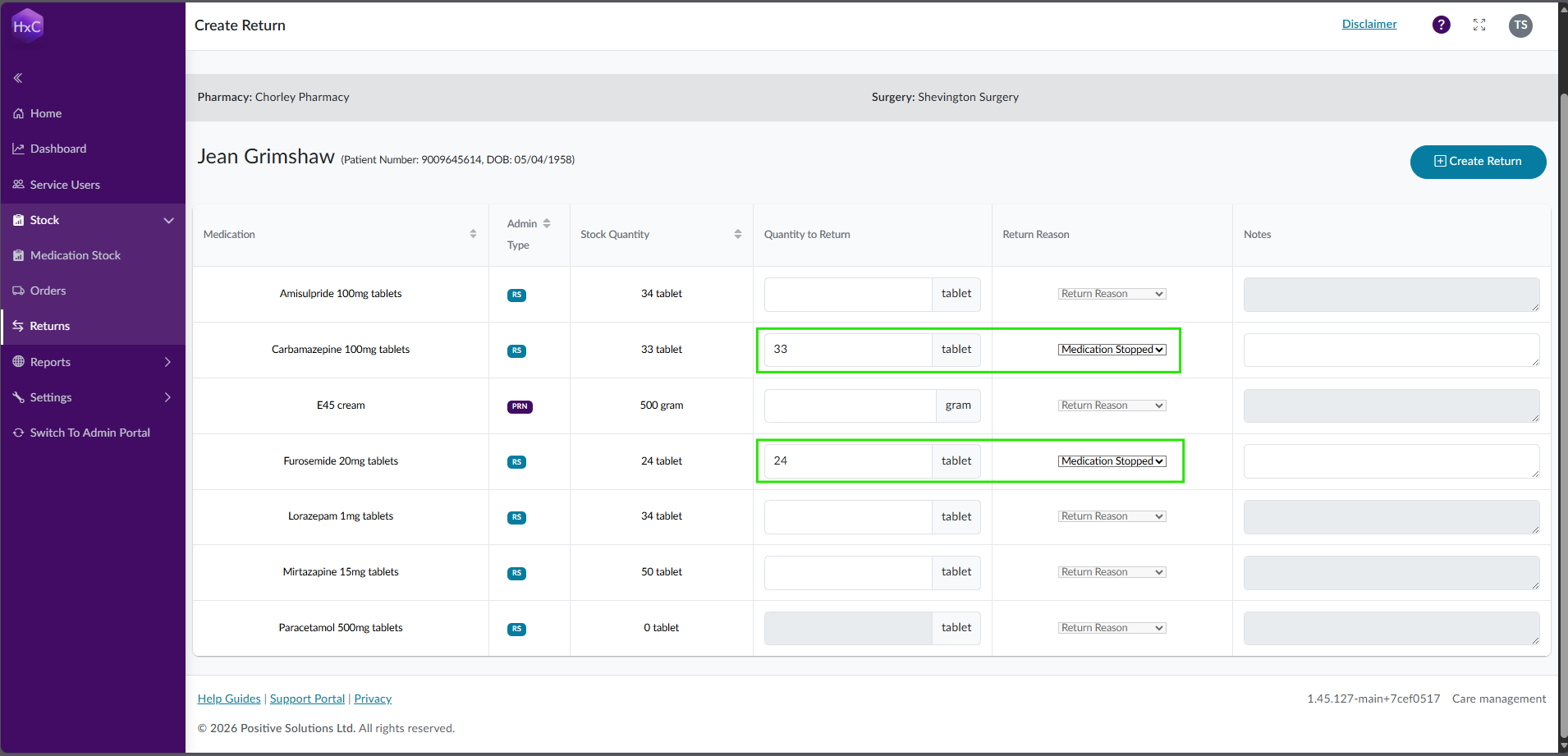
Then select the service user who's stock is being returned. NB. When a service user has their status updated to Deceased, pending returns are automatically created for you. Then simply enter the quantity for the medication that is being returned and select a reason. Once you have finished, select the Create Return button and the pending return will be displayed on the table.
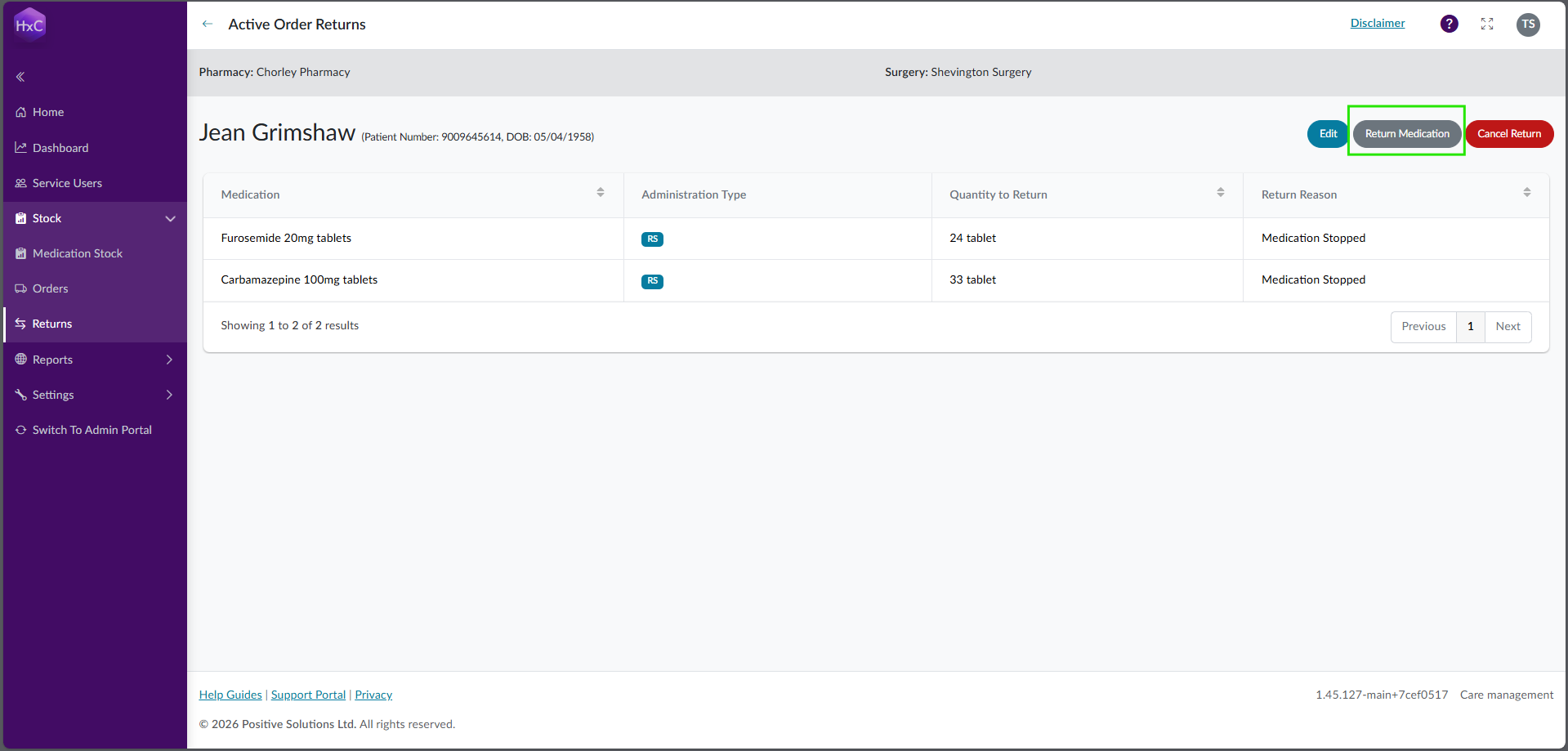
Once the medication has left the care home, you can confirm the return by viewing the pending return and selecting the Return Medication button and the quantity of stock being returned will be deducted from the service users medication list. If you need to amend the return, make sure this is done BEFORE it is complete.