Self Administration
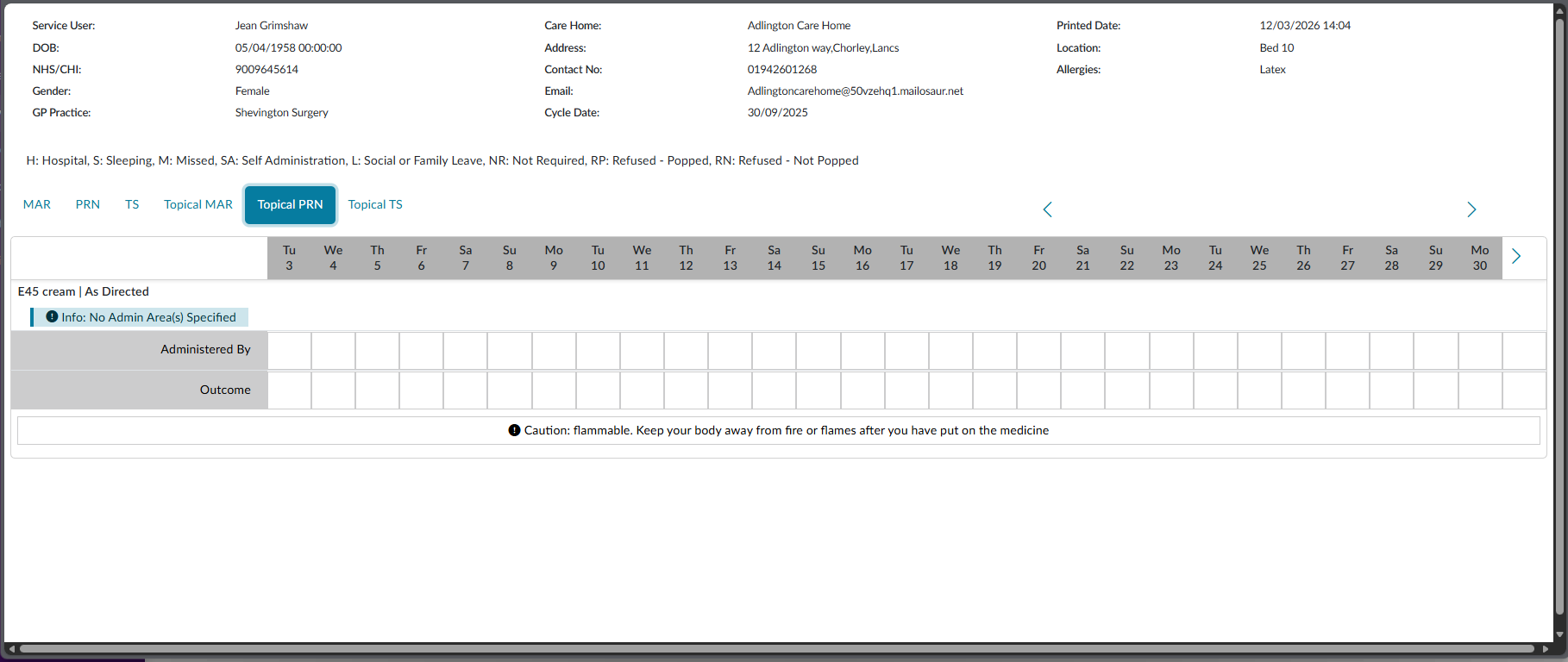
When a service user want to manage some of their own medications, say for example a topical cream, a medication can be set to Self Administration. Before a medication is set to Self Administration, you can also generate a paper MAR chart for them to also complete along side the administrations. See Generate MAR Charts.
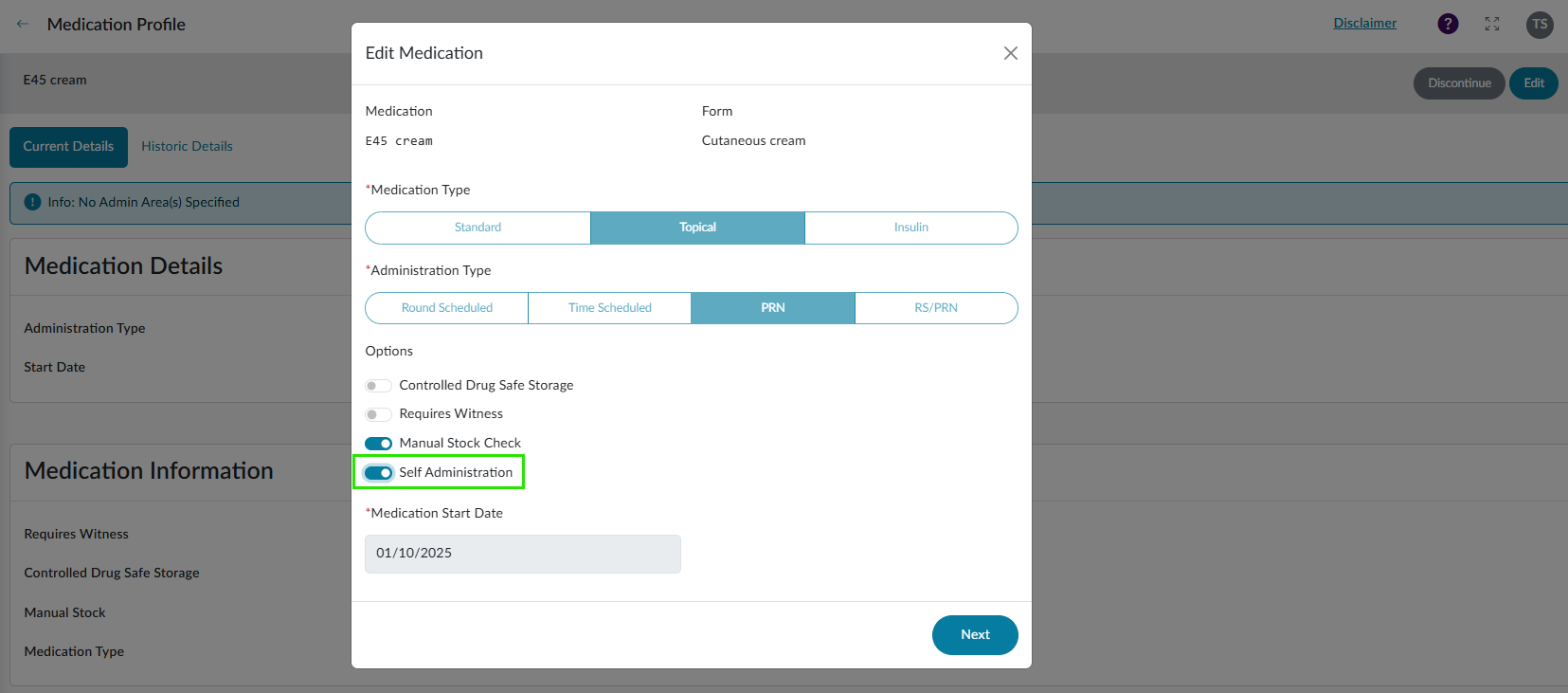
On the service user Medication Details table, click View for the appropriate medication and then select to Edit. From here you will see a number of different options. Select Self Administration to ON. Follow the steps to now save the changes.
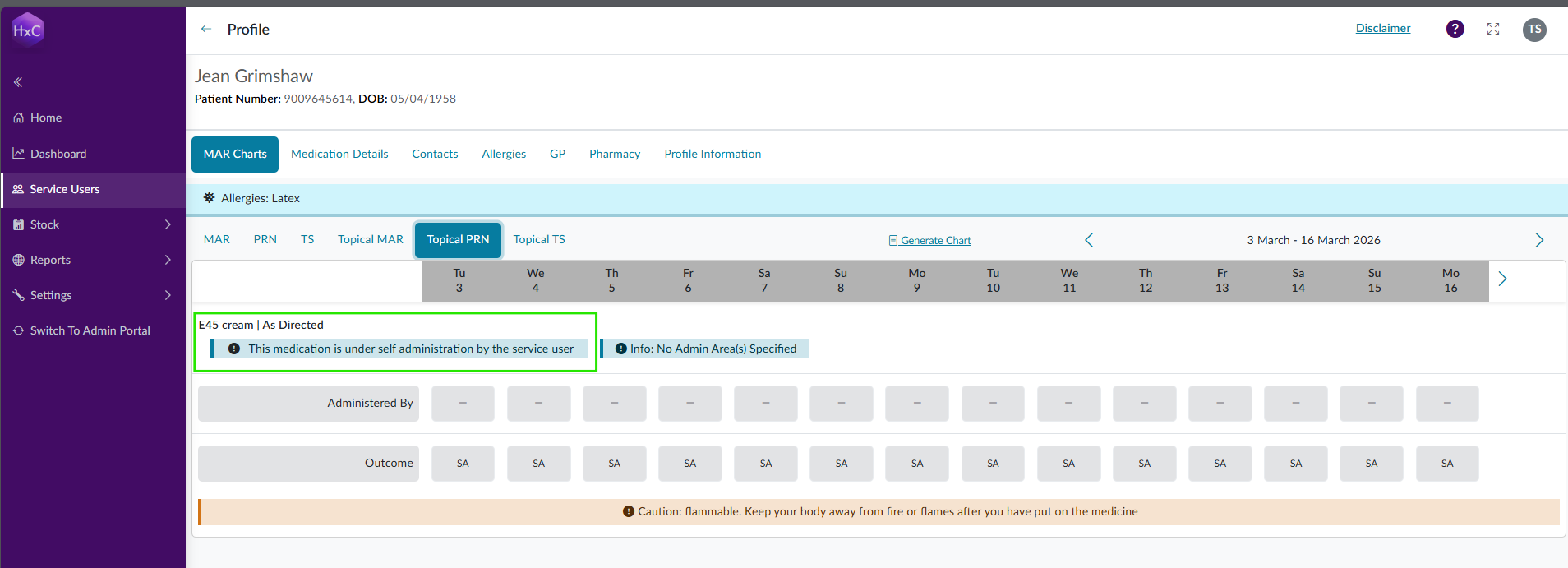
The MAR chart will be updated to show that the medication is set to self administration.
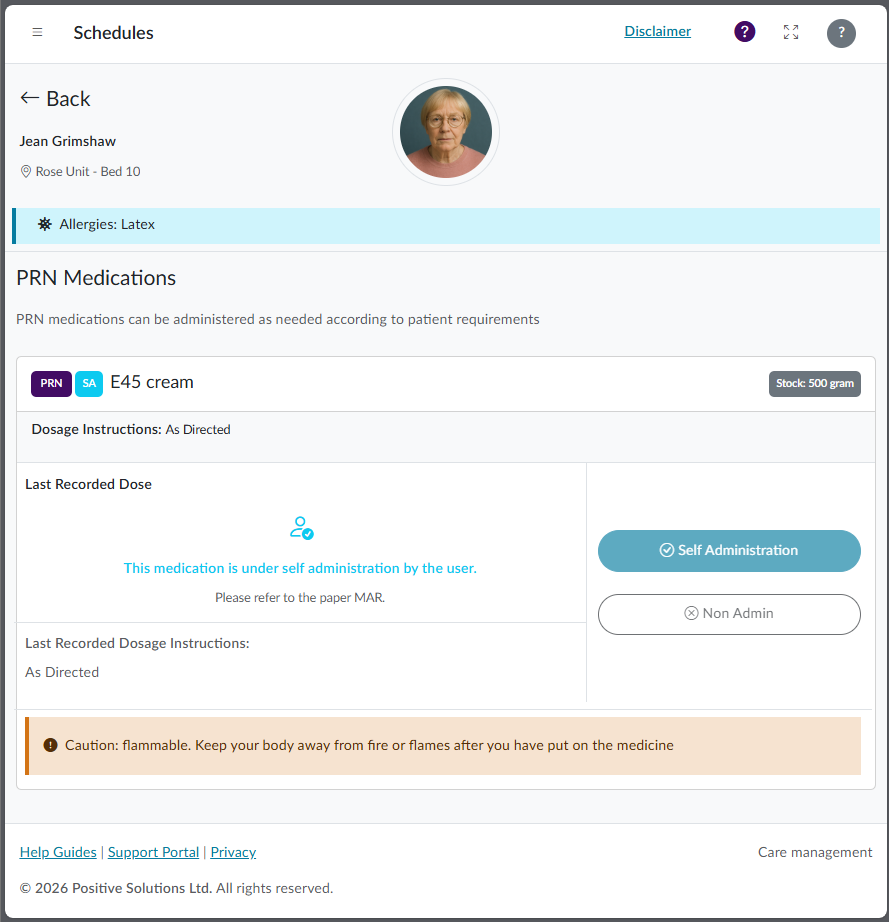
The medication will still be displayed in the Admin Portal but you will not be able to record an administration against it.
An example of a pre-generated MAR chart to support self administration.